Eclipser

Eclipser — Dark Mode & Night Theme with Photo and Video Dimming

Dims photos and video up to 80%, not just text. Dark mode, softened or original per site; text size 75-200%, saved per site.

Dark Mode & Night Theme with Photo and Video Dimming

Dims photos and video up to 80%, not just text. Dark mode, softened or original per site; text size 75-200%, saved per site.

Enable or disable all color, text, and media effects for one site without changing other sites.
Appearance

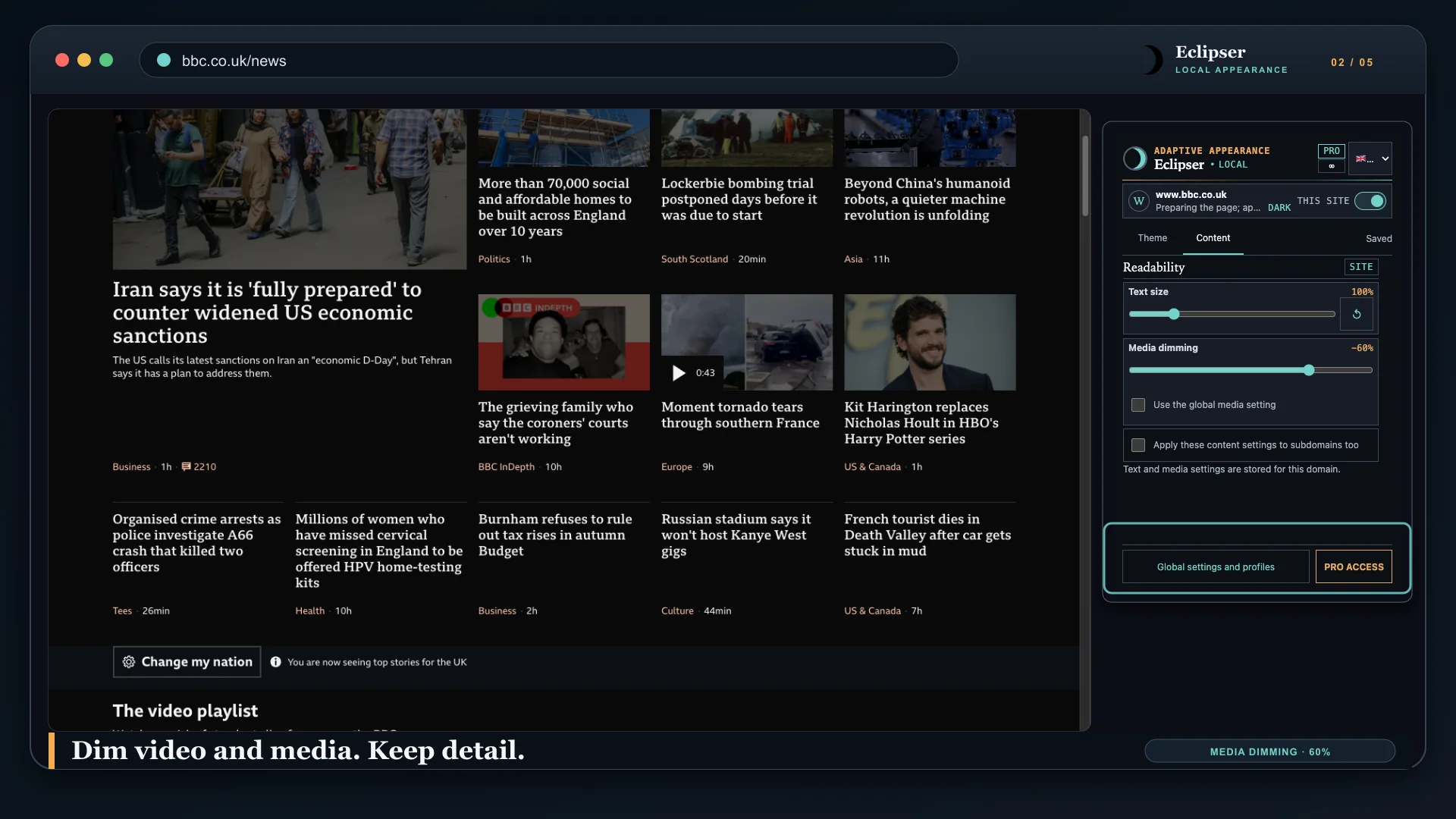
Media dimming

Scale readable text per site in 5% steps and dim photos, video, canvas, and background images without reading their pixels. A site-specific 0% disables inherited global media dimming on that site.

Appearance

Preserve large photos and videos while adapting small interface icons for dark surfaces.

Text size

Create appearance profiles for an entire site or one specific page.

EN · 01:00 · YOUTUBE

Dark Mode & Night Theme with Photo and Video Dimming

Dims photos and video up to 80%, not just text. Dark mode, softened or original per site; text size 75-200%, saved per site.

Original / Eclipser

Original Eclipser

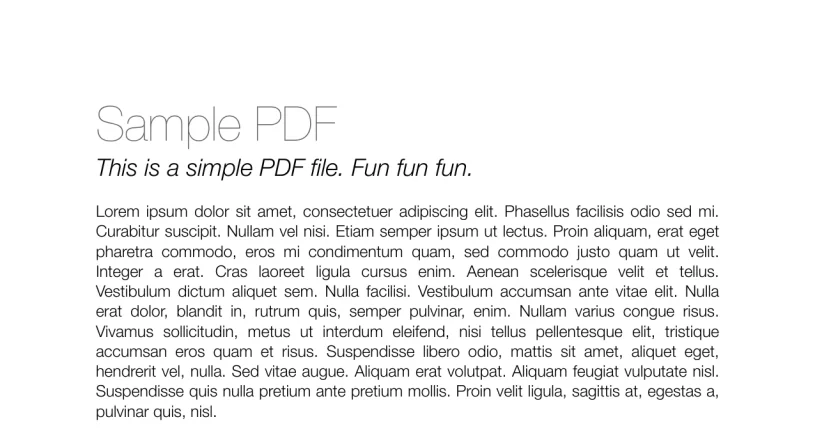
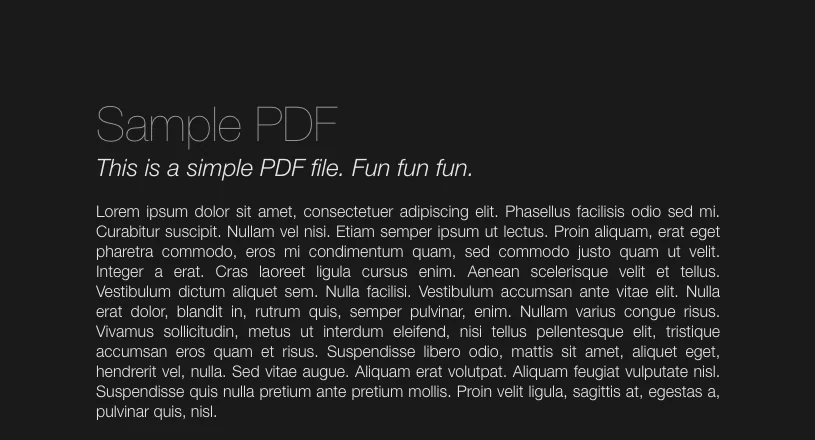
Eclipser is a Chrome extension that applies a dark mode to websites. It transforms web-page appearance on your device. Choose a dark, softened, or original appearance, disable the extension for one site without affecting another, scale text from 75% to 200%, and reduce media glare by 0% to 80% globally or per site; a site can inherit the global media setting. The global switch in Options is the hard ceiling for all sites.

Original Dark

01

Appearance

Enable or disable all color, text, and media effects for one site without changing other sites.
0% 60%

02

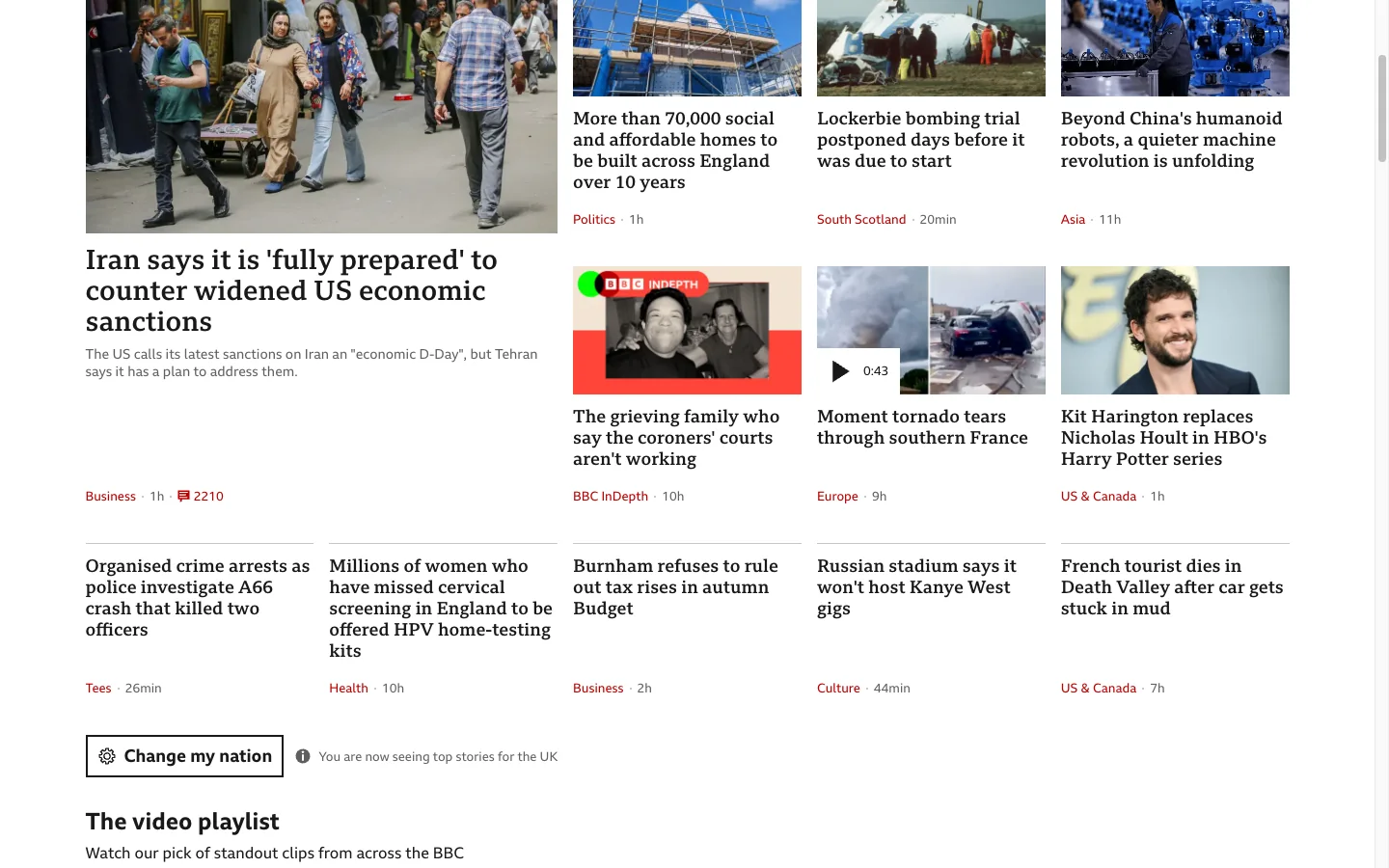
Media dimming

Scale readable text per site in 5% steps and dim photos, video, canvas, and background images without reading their pixels. A site-specific 0% disables inherited global media dimming on that site.

Original Dark

03 Pro

PDF Dark Mode

Use Pro PDF Dark Mode to open supported HTTPS PDF links in Eclipser's local Dark, Softened, or Original view. Optional automatic opening applies only to direct .pdf links after Chrome grants navigation permission.

Dark Mode & Night Theme with Photo and Video Dimming

A calmer web in one clickOpen the Eclipser popup and choose Dark, Softened or Original. The page changes immediately.
Dim the glare, keep the detailReduce the brightness of photos, video and background images by up to 80% for this site.
Make every article easier to readSet text from 75% to 200% in 5% steps. Eclipser remembers your choice for this site.
Your look, site by siteGive a whole site—or one page—its own appearance without changing anywhere else.
Already dark? Leave it that way.Eclipser preserves a site's own dark appearance instead of darkening it twice.

PRO ACCESS

Free and Pro

Every new installation starts with a 7-day Pro trial. When it ends, the extension continues on Free and keeps every stored setting intact.

Free

$0

Free includes the core dark mode and lets you choose up to three active customized sites or pages. Other saved customizations stay stored but inactive until selected. Turning Eclipser off for a site does not use an additional target slot.

Pro

$2.99 per month

Pro unlocks unlimited customized targets, advanced contrast and background-depth controls, scheduling, Google Chrome Sync, and PDF Dark Mode. A valid promotion code can grant time-limited Pro access.

Pro prices are $2.99/month, $17.99/year, or $39.99 lifetime. A licensed account can have up to five active devices.

Free and Pro

Your full saved settings remain intact when a Pro entitlement ends; unavailable controls are read-locked, never erased.

Free and Pro
Capability Free Pro
Default modeDarkSoftenedOriginal Included Included
Global visual settingsBrightnessContrastSaturationWarmthPage dimmingGlobal media dimming Included Included
Enable on this site Included Included
Conversion enginePreserve large images and videosProcess small interface iconsPreserve built-in dark themesDark scrollbars Included Included
Follow the system theme Included Included
TransferExportImport Included Included
Personalised site/page targetsText size 75–200%Media dimming 0–80% 3 targets Unlimited
Advanced theme controlsContrastBackground depth Locked Included
ScheduleActive daysStartEnd Locked Included
Browser sync Locked Included
PDF Dark ModeOpen PDF links automatically Locked Included
Devices per license Not available Up to 5

Common questions

What is Eclipser?

Eclipser is a Chrome extension that applies a dark mode to websites. It also scales text from 75% to 200% and reduces media glare by up to 80%, and every setting can be made per site.

Does Eclipser work on every website?

It works on ordinary web pages and same-site embedded frames. It cannot change cross-origin embedded interfaces, closed components, Picture-in-Picture windows, browser or extension pages, or some protected content.

Does Eclipser send my browsing data anywhere?

No. Page content, page text, form values, passwords, and image or video pixels are never sent to any Eclipser or Huzk Ltd server. Colour, typography, and media processing runs on your device.

Can I use different settings on different sites?

Yes. You can create an appearance profile for a whole site or one specific page, and turn all effects off for one site without changing any other site.

Is Eclipser free?

The core dark mode and up to three active customized sites or pages of your choice are free. Every new installation also starts with a 7-day Pro trial; when it ends the extension continues on Free and every stored setting stays intact.

Does Eclipser download any code after installation?

No. No remote code is downloaded or executed. The extension also stays inactive until you read its disclosure and explicitly accept it.

Does Eclipser darken a site that is already dark?

No. Sites that already present a dark appearance are detected and left alone rather than darkened twice.

Adjusts how dark this page is.